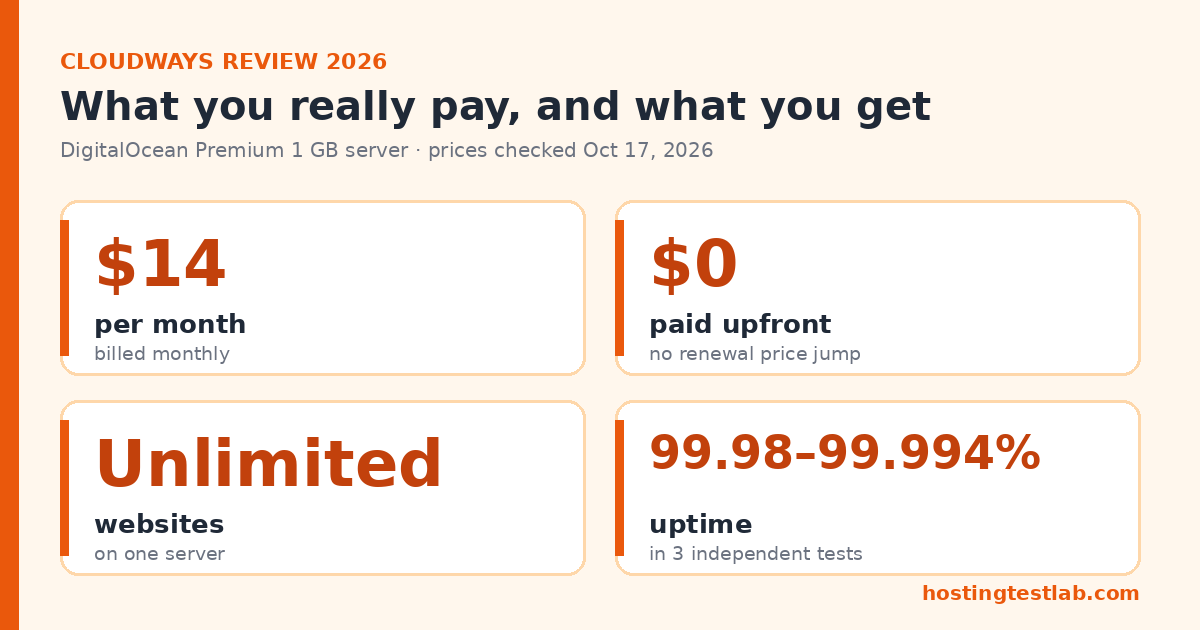
This Cloudways review comes down to one trade: you pay more per month than on budget shared hosting, but you get your own cloud server, unlimited websites on it, and a price that does not jump at renewal. The DigitalOcean Premium 1 GB server costs $14 a month, billed monthly with nothing prepaid. That is a strong deal if you run several sites or want to grow without a contract. If you run one small first site, it costs far more than you need to spend.
Prices were checked on October 17, 2026 on Cloudways’ US pricing page and its DigitalOcean plans page. Billing, backup and email costs come from Cloudways’ help pages. Uptime and speed figures come from published tests by Gizmodo, BloggersPassion and Kripesh Adwani, with their periods in the table below.
| Question | Short answer |
|---|---|
| Starting price | $14/mo (DigitalOcean Premium 1 GB) |
| Most shown plan | $14/mo (DigitalOcean Premium 1 GB) |
| Renewal increase | None, the same monthly rate |
| Upfront payment | None, billed monthly for hours used |
| Websites per server | Unlimited |
| Free trial | 3 days, no credit card |
| Money-back guarantee | No |
| Email included | No, $1.50 per mailbox per month |
Cloudways plans and what they really cost
Cloudways does not sell hosting plans in the usual sense. You rent a cloud server from a provider such as DigitalOcean, Vultr, Linode, AWS or Google Cloud, and Cloudways manages it for you. Charges are counted by the hour and collected on one invoice on the 1st of each month, for the previous month’s use. Our Cloudways vs DigitalOcean comparison shows what that management layer costs against renting the same server directly.
The DigitalOcean servers are the cheapest way in. The pricing page shows the Premium line by default, with NVMe storage. A cheaper Standard line is also listed, but on October 22, 2026 its prices did not match Cloudways’ own hourly rates, so this review uses the Premium prices. Our Standard vs Premium comparison lists both lines as checked on November 7, 2026.
| Server | Price per month | RAM / CPU | Storage | Bandwidth | Paid upfront | Renewal |
|---|---|---|---|---|---|---|
| DigitalOcean Premium 1 GB | $14 | 1 GB / 1 vCPU | 25 GB NVMe | 1 TB | $0 | $14, unchanged |
| DigitalOcean Premium 2 GB | $28 | 2 GB / 1 vCPU | 50 GB NVMe | 2 TB | $0 | $28, unchanged |
| DigitalOcean Premium 4 GB | $54 | 4 GB / 2 vCPU | 80 GB NVMe | 4 TB | $0 | $54, unchanged |
All prices are from Cloudways’ official pages and exclude tax. Every server is listed with unlimited websites and unlimited visits, so the real limit is how much RAM and CPU your sites use.
The four-year cost
Assumptions: the server runs all 48 months, no paid add-ons, tax excluded, and five small sites share the server in the per-site column.
| Server | Per year | Four-year total | Average per month | Websites included | Per site over 4 years (5 sites) |
|---|---|---|---|---|---|
| Premium 1 GB | $168 | $672 | $14 | Unlimited | $134.40 |
| Premium 2 GB | $336 | $1,344 | $28 | Unlimited | $268.80 |
The big difference from shared hosting is cash flow. Hostinger’s Unlimited plan costs $167.52 for four years but takes the whole amount on day one. Cloudways takes $14 a month and lets you stop at any time. There is also no renewal shock: month 48 costs the same as month 1. On the day this was checked, the pricing page also advertised 30% off for the first 3 months. On the Premium 1 GB server, that saves $12.60 in total, so it should not decide anything. Our Cloudways vs Hostinger comparison shows the full cost side by side. For every cloud provider and add-on price, see our Cloudways pricing guide.
Two small costs come on top. Off-site backup storage is billed at $0.033 per GB per server, so 10 GB of backups adds $0.33 a month, or $15.84 over four years. Email is a Rackspace add-on at $1.50 per mailbox per month, which adds $72 over four years for one inbox.
Black Friday: code BFCM802 gives 80% off Cloudways for 2 months (up to $200 off a month), until November 30.
What you get for the money, and the limits that matter
Unlimited websites on one server
Cloudways lists unlimited websites on every server. For an affiliate site owner, this is the main reason to pay $14 a month instead of a budget shared plan. Five niche sites on one Premium 1 GB server work out to $134.40 each over four years, and a tenth site adds nothing to the bill. The catch is that 1 GB of RAM is shared by all of them. When the server gets slow, you move up to 2 GB, and the monthly price doubles from $14 to $28. Agencies comparing it with Hostinger and SiteGround can see our list of the best hosting for agencies.
Free staging and one free migration
Staging and cloning are included on every server, at no extra cost. You can copy a live site, test a plugin or theme update on the copy, and then push the change live. If you have not used staging before, our guide on how to create a WordPress staging site explains the process. Cloudways also moves your first website from any host for free. Moving a second or third site is not covered by that offer, so plan to do those yourself. Our guide on how to move a WordPress site to a new host covers the manual way.
Backups that are cheap but not free
Off-site backups are part of the platform, but their storage is billed at $0.033 per GB per server. For a few small sites, that is cents a month. For a large WooCommerce store with many GB of images, check the backup size before you set frequent backups. If you are planning a store, our guide to the best hosting for WooCommerce compares the options.
No cPanel, no email, no domain
Cloudways says it has “its own simplified dashboard, eliminating the need for cPanel.” I run my own sites on Namecheap shared hosting, where I add new domains in cPanel and install WordPress with the one-click installer. On Cloudways, that same work happens in a different dashboard, so plan for a short learning curve if cPanel is what you know. Email is not part of the server, as the pricing section shows. Gizmodo and Tom’s Guide both note that Cloudways does not include a free domain, so you buy and renew the domain somewhere else.
Cloudways speed and uptime: what independent tests show
Three published tests on DigitalOcean servers give a consistent picture of uptime. Speed numbers vary much more, mostly because of where each server was located.
| Source | Server | Period | Uptime | Speed result |
|---|---|---|---|---|
| Gizmodo | DigitalOcean, US | 3 months (Pingdom and Loader) | 99.98%, two outages under 5 minutes in total | TTFB 331 ms (GTmetrix, Vancouver) |
| BloggersPassion | DigitalOcean Premium 1 GB | Last 6 months (page updated February 2026) | 99.994%, about 16 minutes of downtime | US response 200 ms; global average 490 ms |
| Kripesh Adwani | DigitalOcean Standard, Singapore | 12 months (Better Uptime, 30-second checks) | 99.99% average; one month at 99.39% | US page load 3.66 s from a Singapore server |
The pattern is clear on uptime: all three land between 99.98% and 99.994%, an average of under 9 minutes of downtime a month, although Kripesh Adwani’s log shows one weaker month. On speed, a US server tested from North America answered in 200 to 331 ms, while a Singapore server took 3.66 seconds to load a page for US visitors. For a US audience, choose a US data center when you create the server. That one setting matters more than which plan you pick.
Support
Live chat and tickets are available 24/7 on every server. The faster Advance Support add-on is listed at $100 a month, and the pricing page advertised a limited-time discount on it when it was checked. For most small sites, the standard support is the realistic option, because the add-on costs more than seven months of the $14 server.
Who should choose Cloudways, and who should look elsewhere
- You run three or more affiliate or niche sites. Choose Cloudways. One $14 server holds them all, a new site adds $0 to the bill, and each one gets free staging.
- You do not want to prepay years of hosting. Choose Cloudways. You pay $0 upfront, and you can stop paying in any month.
- You have one small first site and a tight budget. Look elsewhere. Four years on Cloudways Premium 1 GB cost $672, about 4 times the four-year cost of Hostinger Unlimited.
- You need email at your host. Cloudways works, but each mailbox adds $72 over four years. A shared plan that includes email can be cheaper for a small business.
- You want cPanel. Look elsewhere, because Cloudways only offers its own dashboard.
One thing would change this advice. If your sites outgrow 1 GB of RAM, the 2 GB server costs $1,344 over four years. At that point, compare it with managed WordPress plans before you upgrade.
Two Cloudways alternatives
Hostinger is the budget pick. Its Unlimited plan costs $167.52 for 48 months, paid upfront, and renews at $16.99 a month. See our Hostinger review for the full renewal math. For more options, see our full list of Cloudways alternatives.
SiteGround is the managed shared option at a higher price. GrowBig costs $1,139.52 over four years, including three renewals at $29.99 a month. Our SiteGround review breaks down each plan. For a side-by-side look at both hosts, see our Cloudways vs SiteGround comparison.
Check Hostinger plans Visit SiteGround
Final verdict on Cloudways
The verdict of this Cloudways review: it is the better choice once you run several sites or want to grow without a contract. The Premium 1 GB server costs $672 over four years, holds unlimited sites, and never renews at a higher price. Pick a US data center, use the 3-day trial to check that your sites run well, and add backup storage and email to your budget. If you have one small site and want the lowest bill, start on shared hosting and move to Cloudways when you add more sites.
Explore Cloudways hosting options
Cloudways FAQ
Does Cloudways have a money-back guarantee?
No. Gizmodo and Website Planet both report that there is no 30-day refund window. Website Planet adds that unused prepaid funds can be refunded if you ask within three months of adding them. The 3-day trial, with no credit card, is the way to test before you pay. See our Cloudways free trial guide for a simple plan to make the most of the 3 days.
Is Cloudways good for beginners?
It is usable, but not the easiest start. You choose a cloud provider, server size and data center before you install WordPress. Cloudways moves your first site for free, which takes care of the hardest part for someone switching from shared hosting.
Can I pay for Cloudways by the hour?
Yes. Usage is counted hourly and charged once a month. If you delete a server mid-month, you pay only for the hours it ran. Adding PayPal triggers a $5 pre-authorization that becomes credit toward your next invoice.
Which Cloudways server is enough for a small site?
The 1 GB servers have 25 GB of storage and 1 TB of bandwidth, which is plenty for a new content site. The Premium server at $14 includes NVMe storage.